

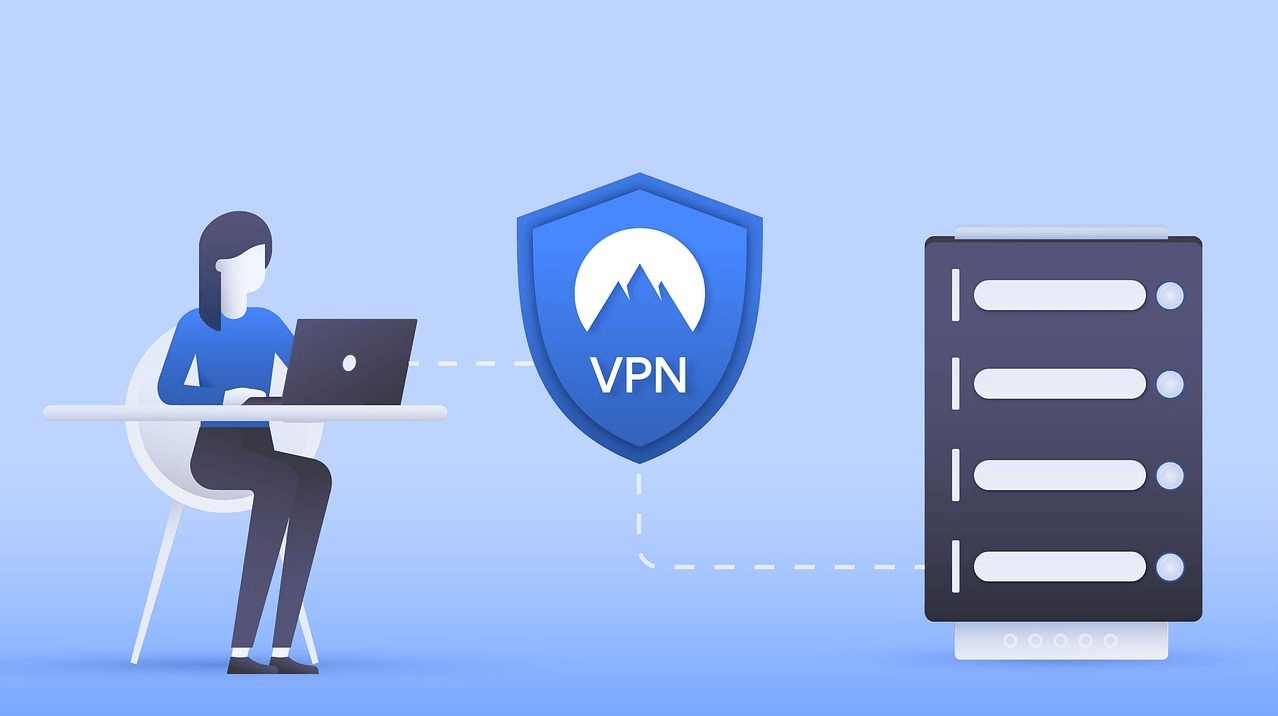
The Problem: VPN Blocks Local Services
Many banks, government services and other resources block access from foreign IP addresses. If you use a VPN, you had to disconnect it every time you needed to check your bank account or access a government portal. Then reconnect again. Every single time.
The Solution: Direct Access
ASMO360 VPN now has a Direct Access mode that lets you choose websites and domain zones that will connect directly, bypassing the VPN tunnel. All other traffic remains fully protected.
Supported Domain Zones
- Russia — .ru and .xn--p1ai
- Belarus — .by
- Kazakhstan — .kz
- Armenia — .am
You can also add any specific domain manually — for example, your bank's website or corporate portal.
How to Enable
On iPhone (iOS)
Settings → Direct Access → turn on the toggle → select the zones you need
On Mac (macOS)
Settings → Direct Access → enable and configure zones
On Android
More → Direct Access to Sites → enable → select zones or add your own domains
Visual Indicator
Once enabled, an orange Direct Access indicator appears on the main screen. Tap it to go directly to settings.
Important Notes
- Changes take effect on the next VPN connection. If VPN is already on — just reconnect
- On iOS and macOS, Direct Access works on all protocols without restrictions
- On Android, Direct Access works fully on Xray protocols. When enabled, TrustTunnel is temporarily disabled and the app switches to Xray automatically
In most cases, this completely solves the problem of accessing resources that block VPN connections.
Download
- Android: Download APK
- iOS (iPhone): App Store
- macOS: DMG or Mac App Store